
Stop Touching the Thermostat: Nest Saves Money Automatically
Want a home that feels just right and costs less to heat and cool? The Nest Learning Thermostat learns the temperatures you like, turns itself down when you’re away, and helps cut energy waste automatically. It’s the easiest upgrade for comfort and savings—no tech skills required.
Why Nest Makes Life Easier
1) Learns and Saves Automatically
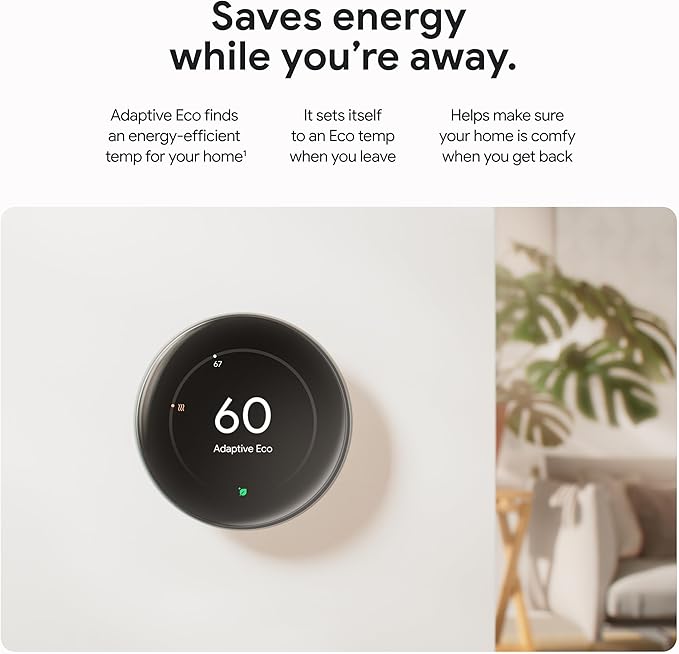
Set it like a normal thermostat for a few days and Nest builds a schedule on its own. When you leave, it switches to Eco mode to save energy—then warms/cools before you get back.
2) Simple App Control
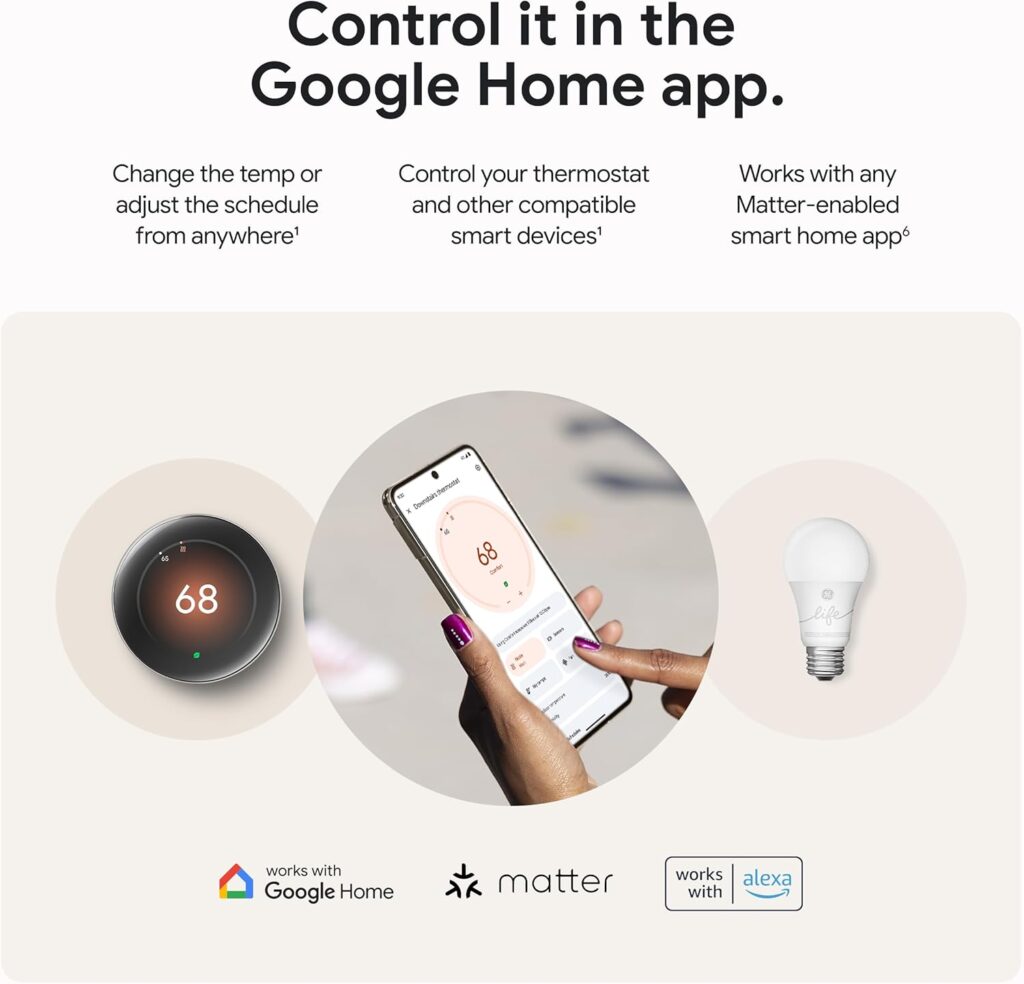
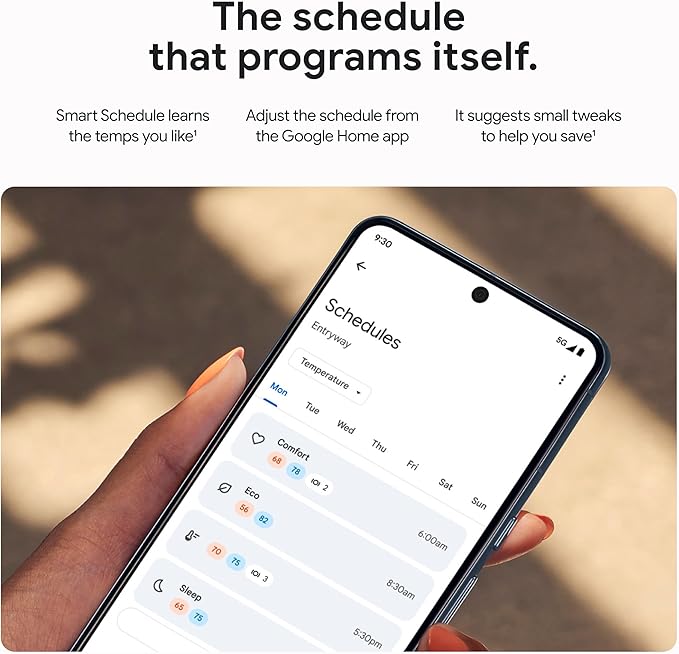
Use the Google Home app to change the temp, adjust schedules, or check energy history from the couch or across town.
3) Looks Out for Your System
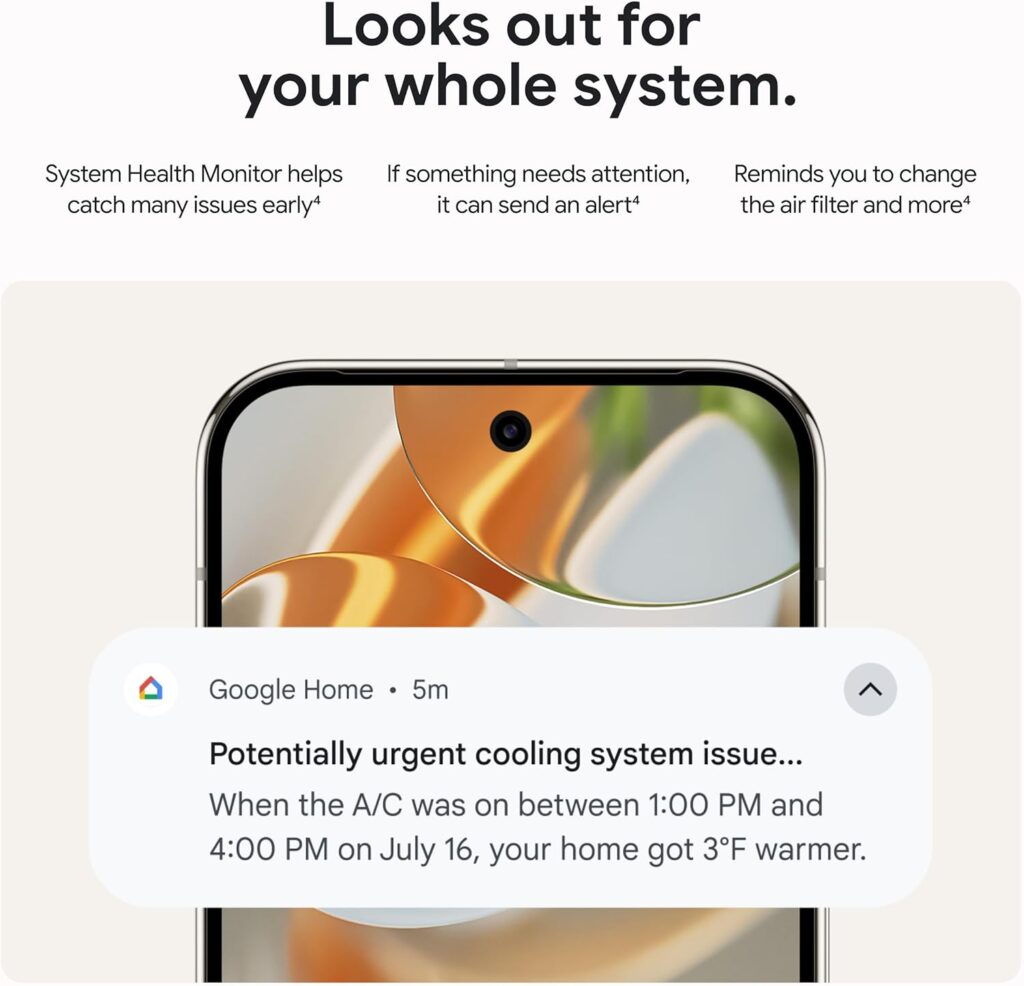
Nest’s system monitor can alert you if something seems off (like cooling taking too long) and remind you to change filters—small tips that prevent big bills.
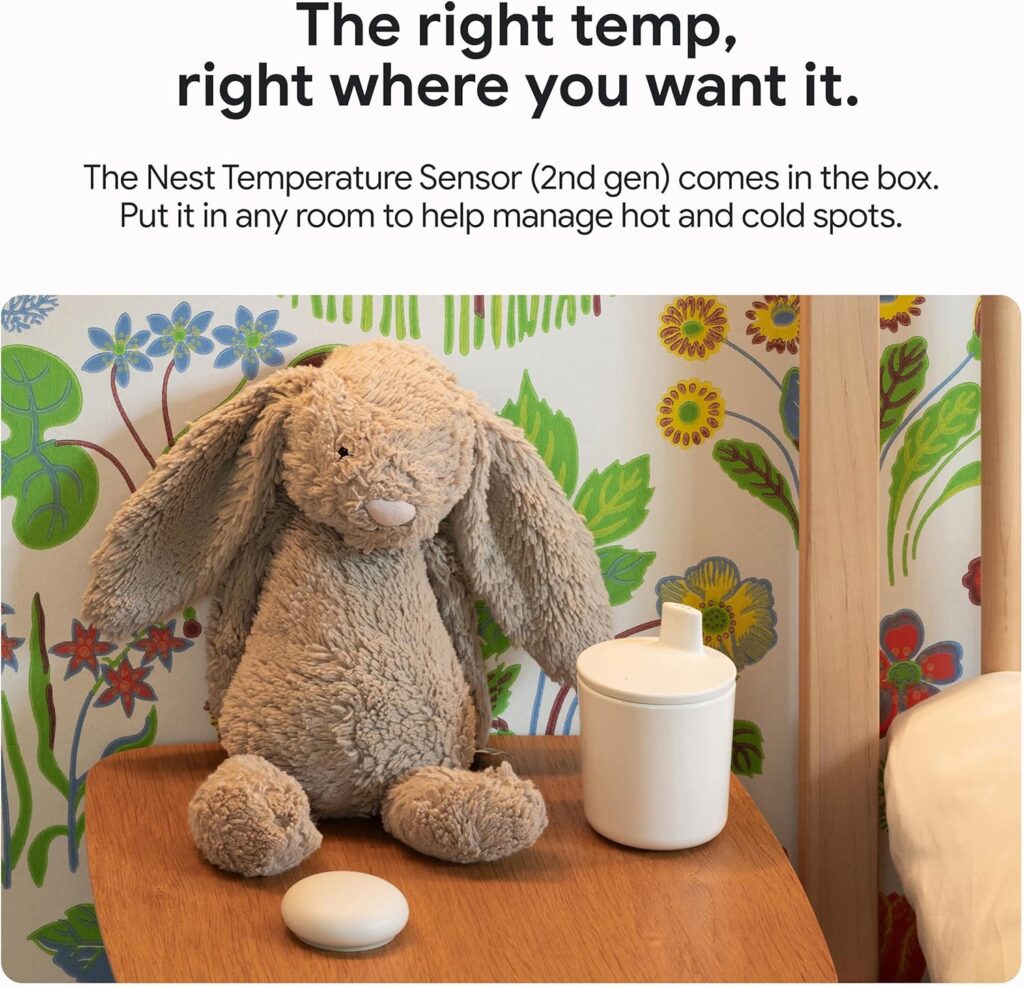
4) Comfort in Every Room
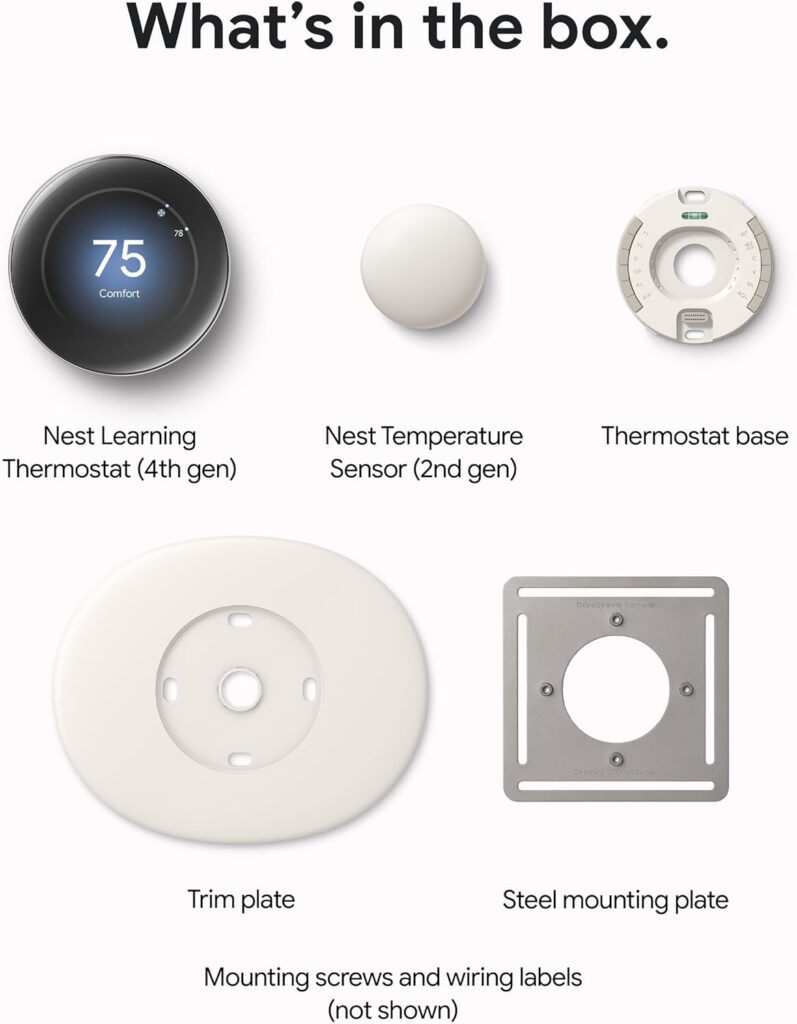
Place the included Nest Temperature Sensor in a bedroom or living room and tell Nest which room to prioritize—great for homes with hot or cold spots.
5) The Schedule That Programs Itself
Smart Schedule learns your routine and suggests tweaks to save more without sacrificing comfort.
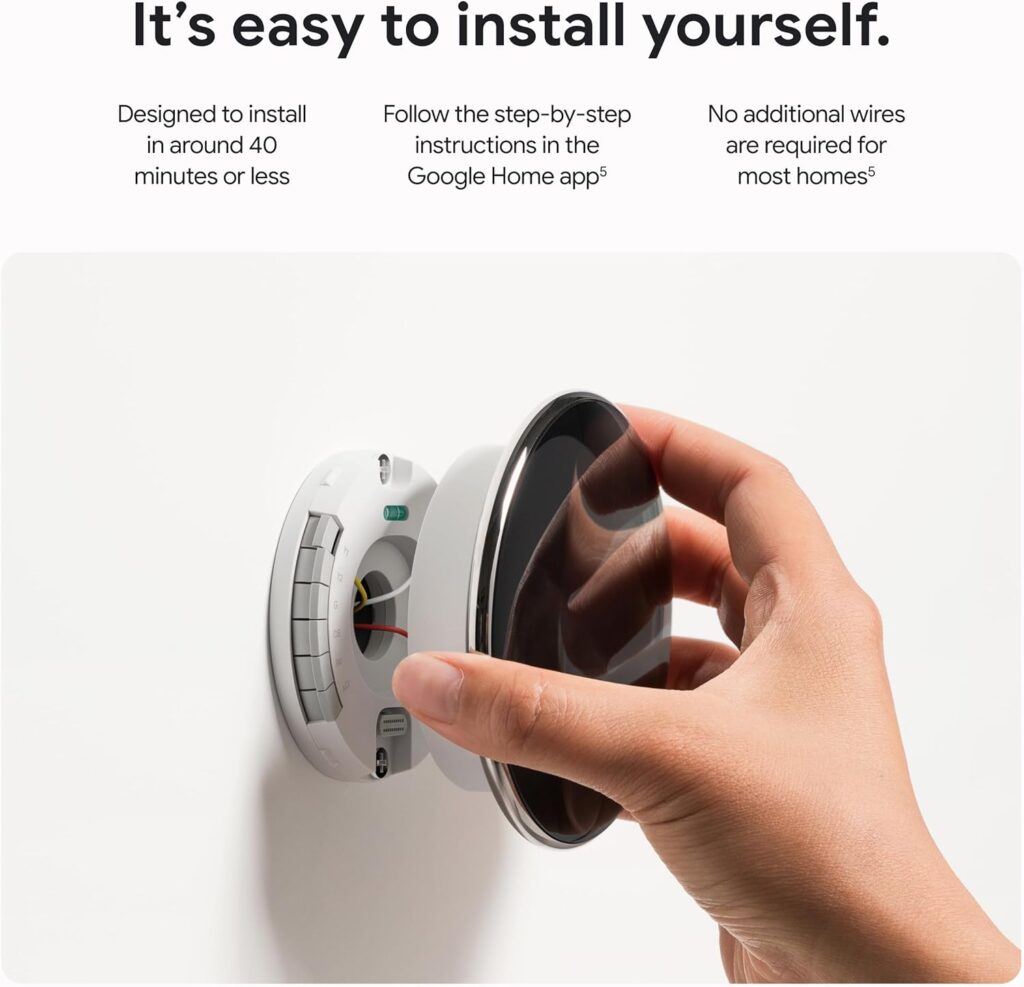
Fast, DIY Installation
Most homes can install Nest in about 40 minutes with step-by-step guidance in the Google Home app—no extra wires for most systems. The trim plate and mounting hardware are in the box.
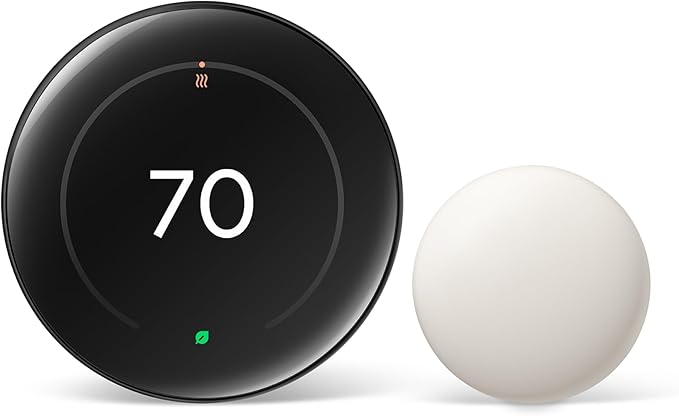
Elegant design, effortless control, and smart savings—that’s why Nest is the go-to thermostat for anyone who wants comfort without complexity. Order the Nest Learning Thermostat on Amazon and start saving automatically.
Disclosure: As an Amazon Associate, I may earn from qualifying purchases at no extra cost to you.